


The photos arrive while the event is still on.
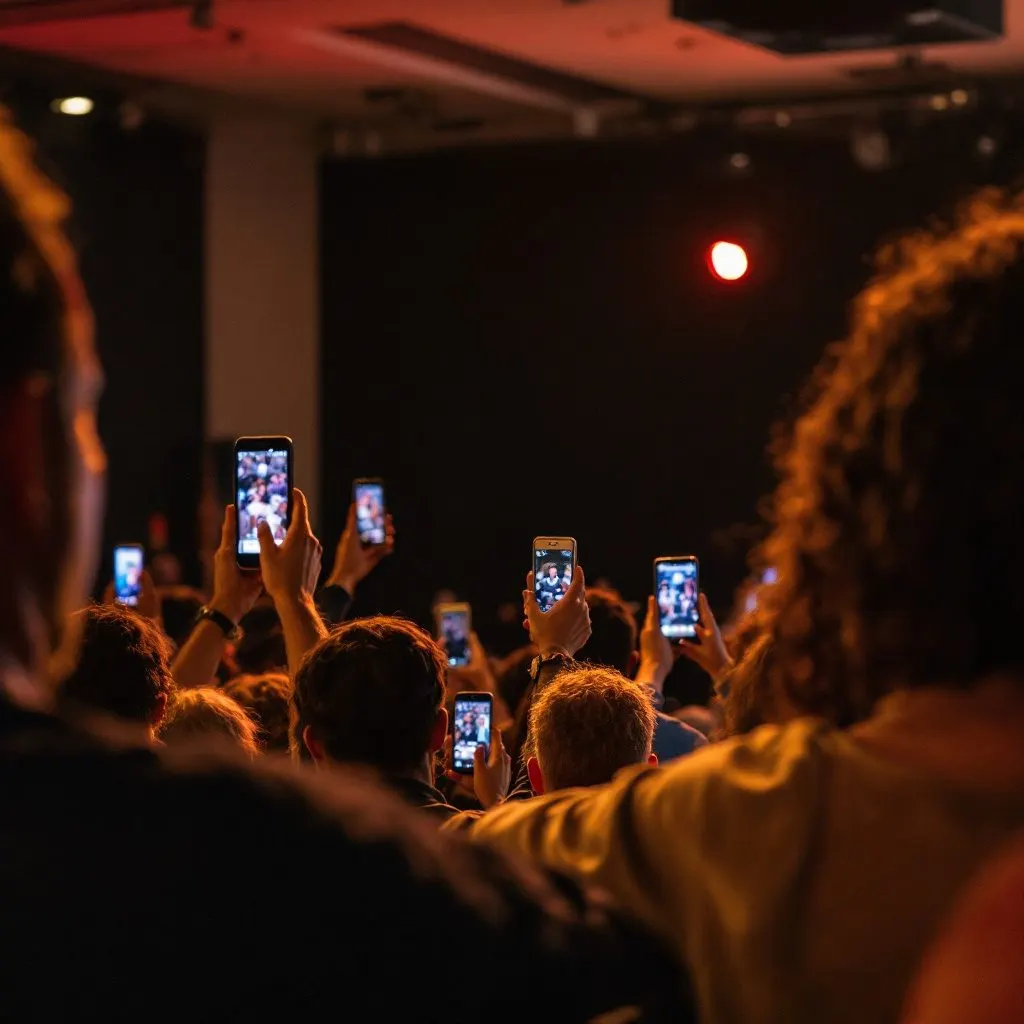
Everyone's shots land in the same place as the night happens, filed on when and where they were taken. Nobody is chasing anybody the following week.
For teams who run events
A launch, a game day, a tasting. Everybody shoots it, and almost none of it reaches the person who needs it. Team Capture collects what the whole team takes while the event is still happening, and files it without anybody deciding where.
Works with no signal. Uploads when the phone finds a connection.
Planning a wedding or one event?
It works the same way for a wedding, on wedding photo sharing, or for any other single gathering such as a birthday, a reunion or a conference, on event photo sharing. Guests scan the code and upload from their phone’s browser. There’s no app to install. Printing the code somewhere people actually notice it is its own small job, and we wrote up where to put a wedding QR code.
See the one-event passThe product
Team Capture turns every camera roll at an event into an organised, full-resolution library.
Everyone's shots land in the same place as the night happens, filed on when and where they were taken. Nobody is chasing anybody the following week.
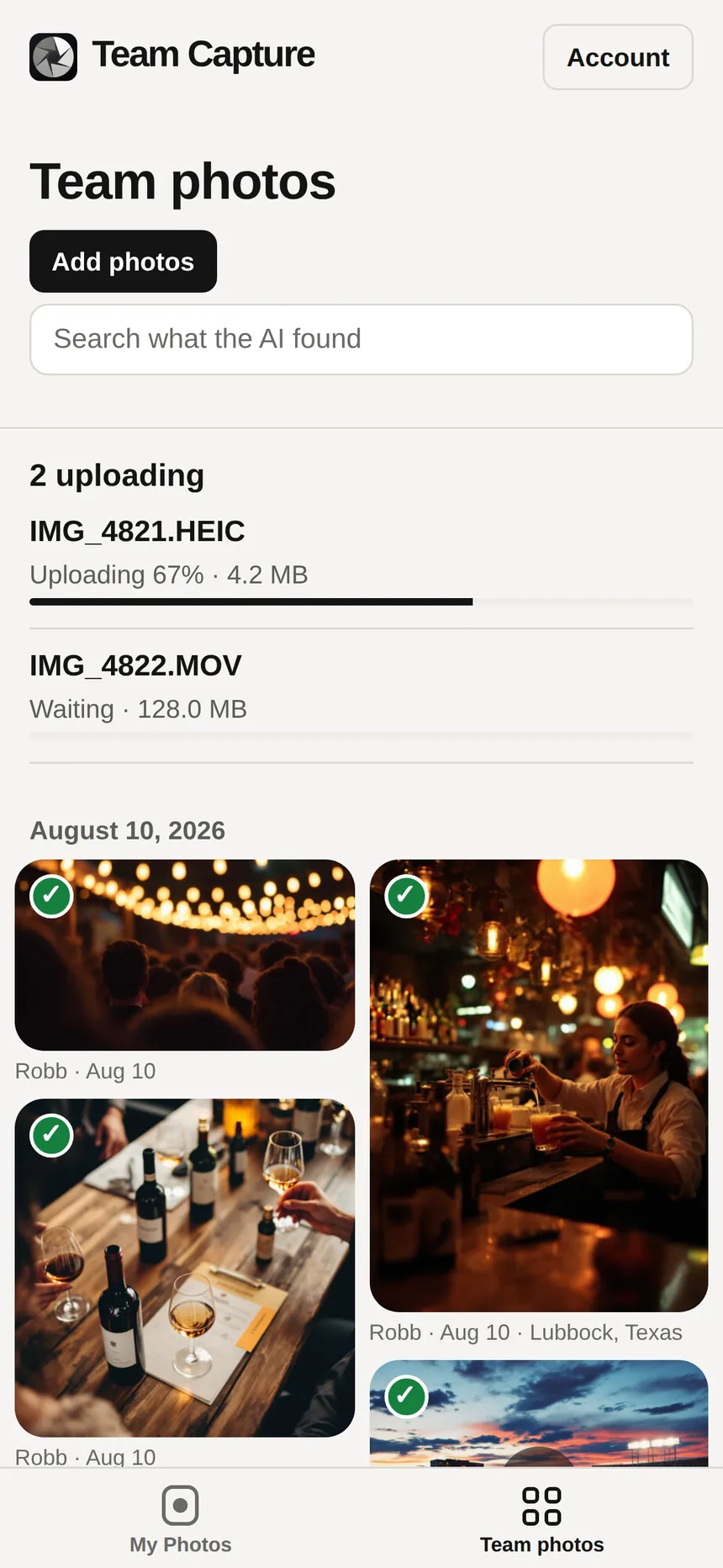
The whole team's originals are there, ordered by the day they happened, at the size they were taken.
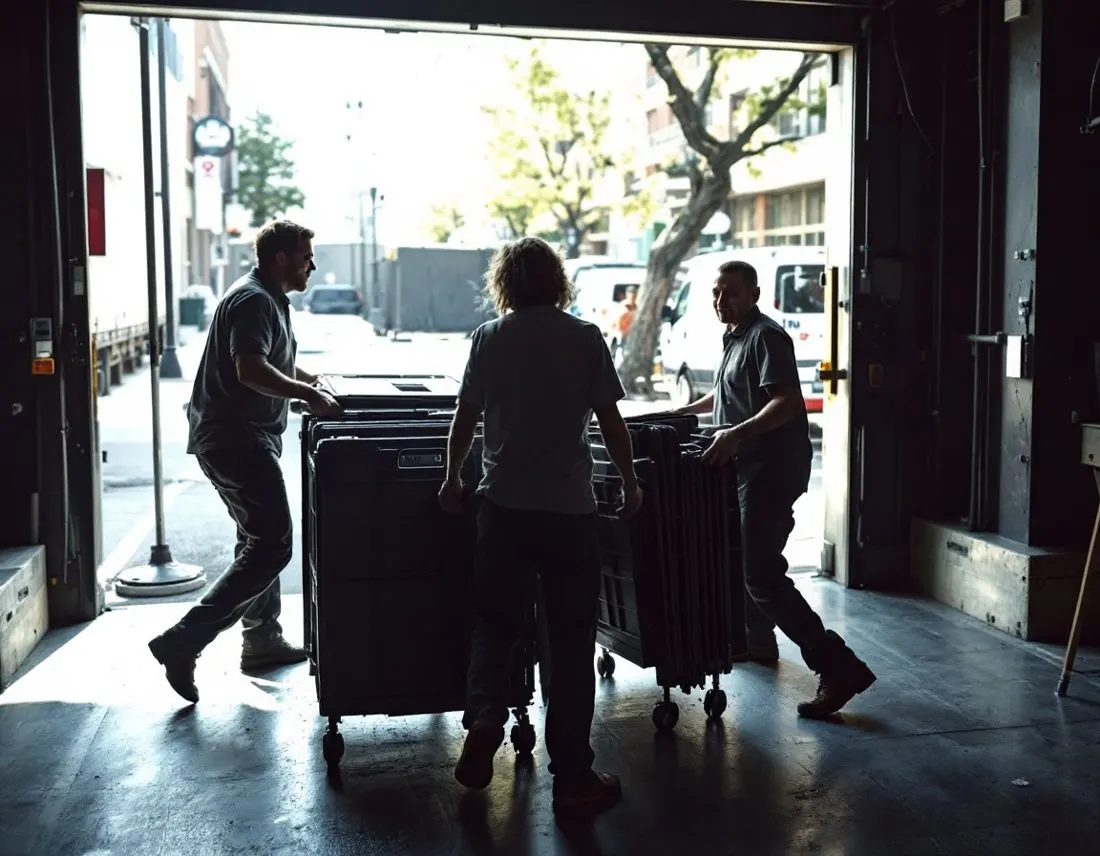
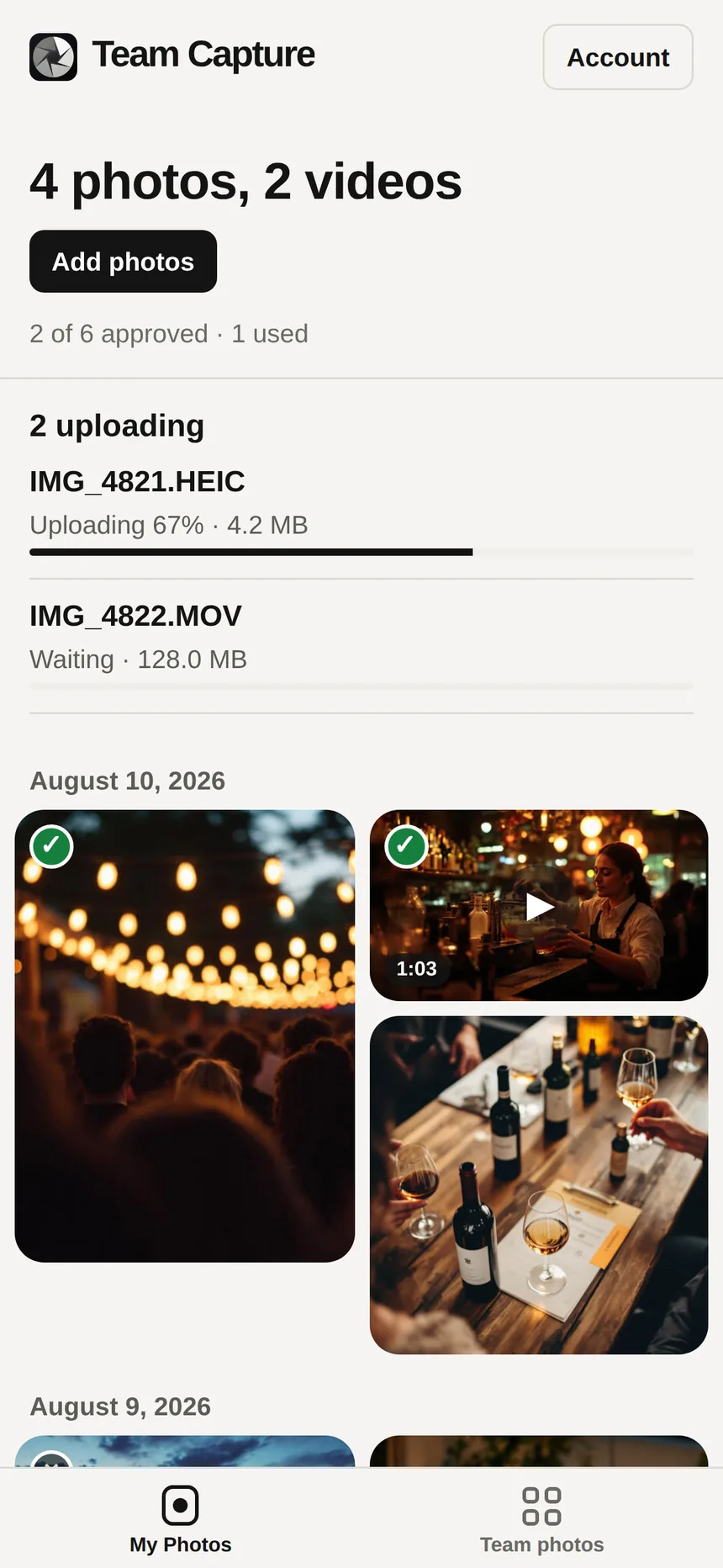
Uploads queue on the phone and continue when a connection comes back, even after a restart. The venue basement is what this was built for.

Every photo gets a corrected copy automatically, at full resolution — the dim function room opened up, faces out of the murk, detail back in. Out of the box it does not touch colour at all, so skin tone stays exactly as shot. The version you uploaded is kept alongside it, untouched by the correction.
On the phone
Staff send what they took and never think about it again. Nothing to file, nothing to choose. This half is deliberately small.
How it works
Pick the photos worth sending. That is the whole job — no album to choose, nothing to name, no form to fill in.
Every file is read for when it was taken, where, and what is in it. The labels are written for you, and the library can be asked by any of the three.
Ask for what you need by date, by place, or by what is in the shot. Or skip the asking and point your own AI at the library through our API.
When it gets something wrong, you say so, in a sentence. It offers that back as a rule, you accept it, and every photo after that is read your way — so it learns your business rather than photography in general.
Training
Photo AI can see a bottle on a table. It cannot know that the bottle is your Añejo, that the person beside it is Susan from the Lubbock team, or that your events are nearly always at the same stadium. Nothing trained on the open internet knows that, and no amount of it makes the guess better.
It asks what your photos are about — the products, the people, the places that come up again and again. Send it a photo and ask what it sees, and it will tell you how it would label it. Say what it missed, and it offers that back as a rule for you to accept — nothing is written into your settings without you saying so.
Everything it learns lands on one page you can read and edit. Not a black box, not a model you have to retrain — sentences like our events are usually at Texas Tech unless the photo says otherwise. Change a line and every photo after it is read differently. Press one button and it re-reads the ones you already have.
Albums
An album can be an event — the launch party, the distillery tour — or it can be a subject. Describe one in a sentence, like photos of our Añejo bottles, and it collects them, including the ones uploaded next year. A photo can be in both: the bottle shot from the Dallas launch stays in that night’s album and shows up in your bottle album too.
In the dashboard
The app is the collecting half. The dashboard is the half you live in: it runs in the browser, it is where a season of events gets set up, and it is where everything the team sent turns into something you can publish.
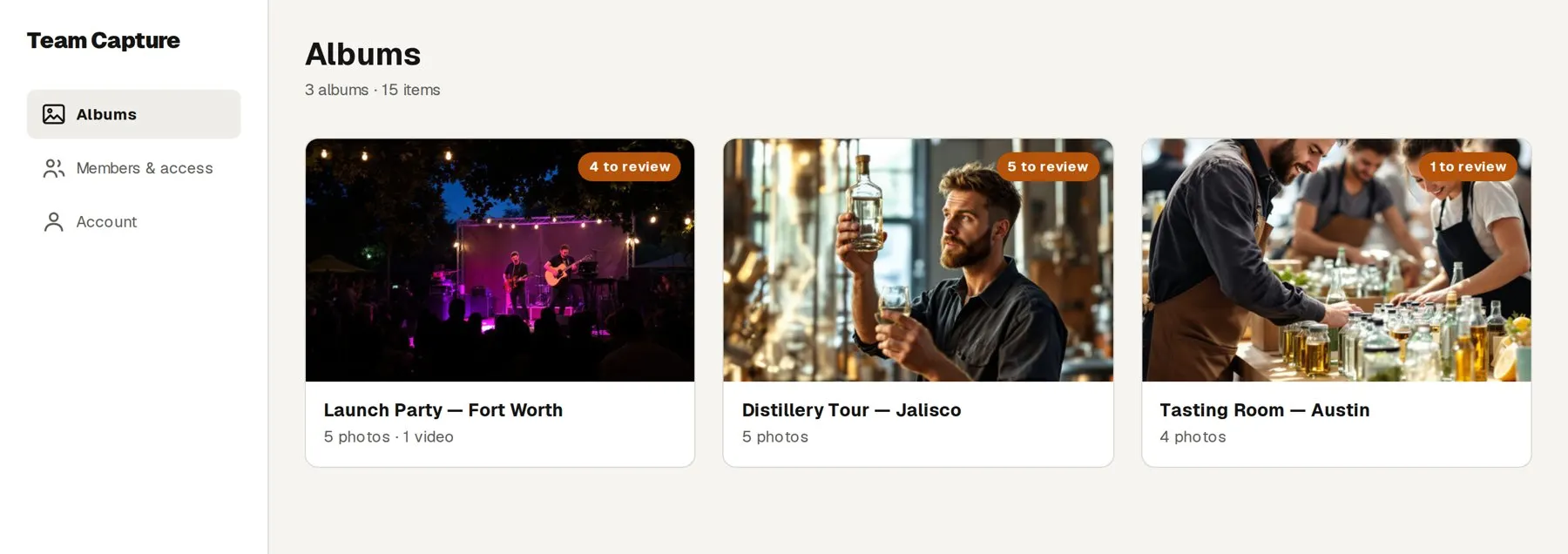
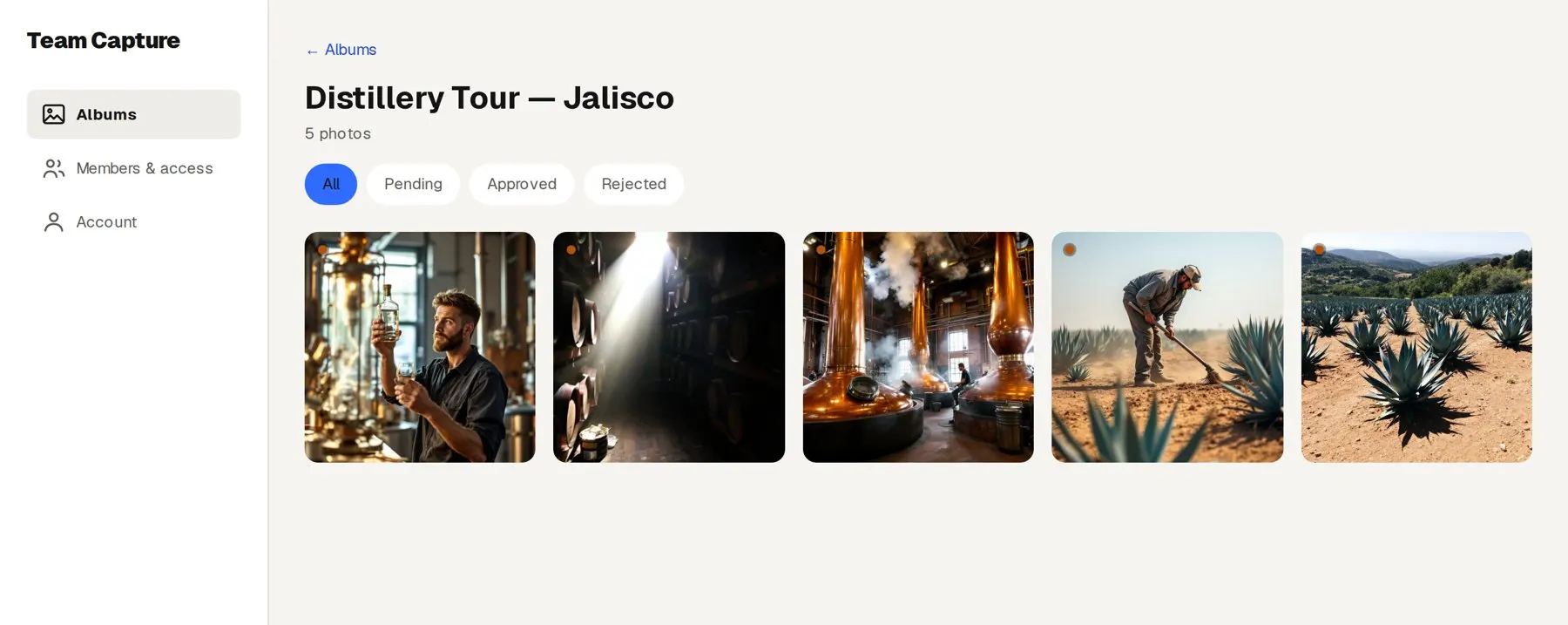
Before you open the album, the AI has sorted what is waiting into three piles: likely keep, likely skip, unsure. Look through a pile and approve or reject the whole thing in one click. The unsure pile goes one photo at a time, A to approve, R to reject, with the next one already loaded. Nothing is decided until you press the button.
Select up to sixty items and export the originals at full resolution, not the squeezed copy a group chat would hand you.
Invite by code, set what each person can do, and revoke access the day somebody leaves.
Guest links
Not everybody shooting your event has the app. Fans, guests, vendors and the photographer you hired can still send you what they took. Type the event’s name in the dashboard and you get a link to email and a QR code to print.
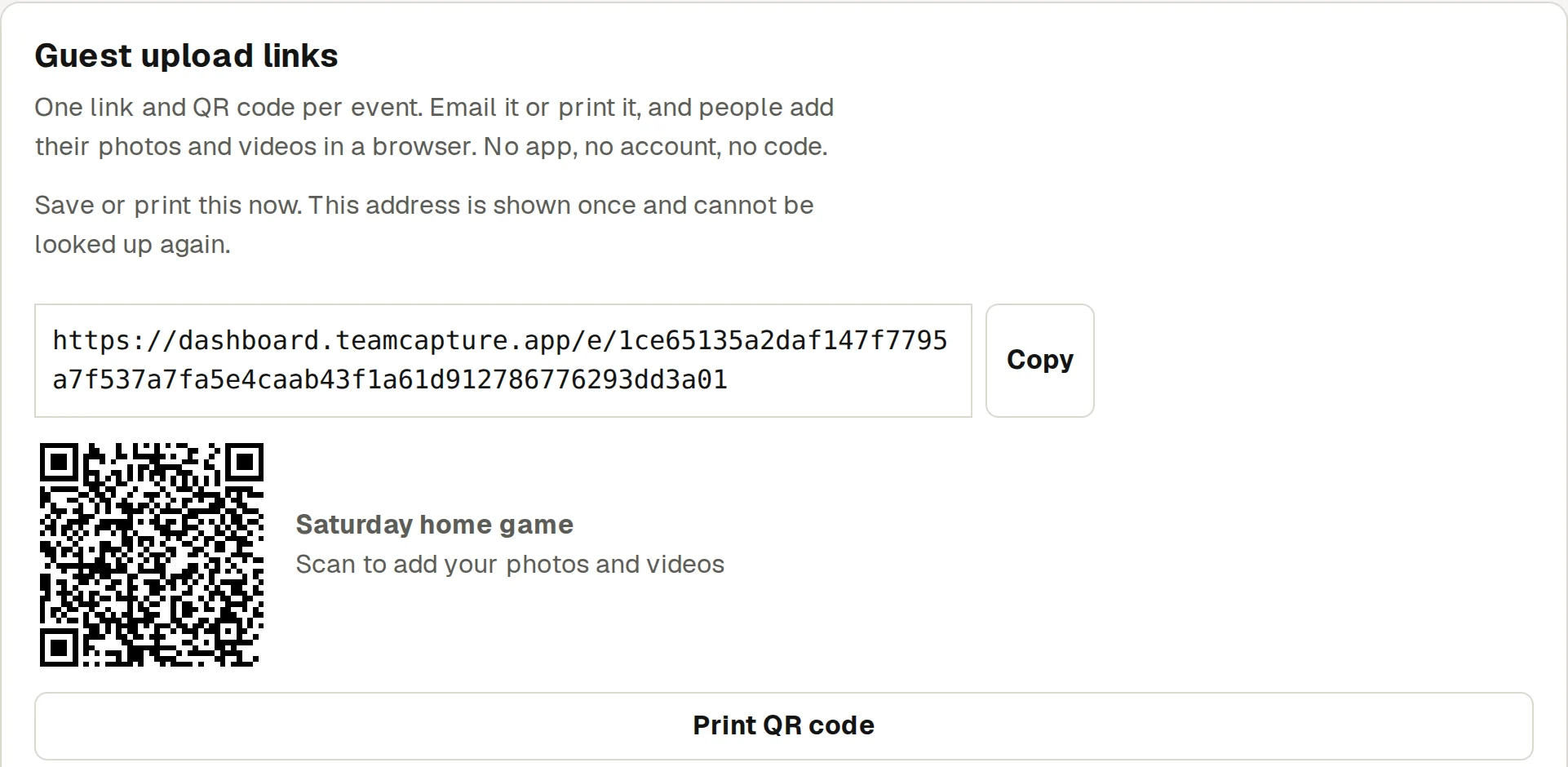
They open it in the browser on their phone, iPhone or Android, add their name if they want to, and pick photos and videos. Nothing to install, nothing to sign up for.
Keep up to 20 live at once, each with its own name and, if you like, a date it stops taking uploads. Everything sent through one lands in that event’s album and goes into the same review as everything else.
Guests only see photos when the guest gallery is on. It comes with the one-event pass, switched on to start, so the wedding party can browse and save that event’s photos. Switch it off and a link is upload-only: a guest cannot see, search or download anything. One click turns any link off.
Who sees what
Picking the photos is the only decision anybody makes. What you do not send stays where it is, and the app never reaches past the ones you handed over.
At the venue
Close the app, restart the phone, drive home. The original is still there and still sending when service returns.
Questions
Not at first, and nothing trained on the open internet could. You tell it, in a conversation that takes about five minutes: what your products are, who comes up often, where you usually shoot. Send it a photo and it will tell you how it would label that shot, so you can correct it before it gets the habit. Everything it learns lands on one page in plain English that you can read, edit and delete lines from.
Yes. The app has a Feed tab that shows what the team has shared, newest first. A photo appears there once you have approved it and it has passed the automatic safety check. People can like a photo and comment on it. Anyone can report a photo or a comment, and block a person.
You add each person's email in the dashboard. They install the app and sign in with a six-digit code we email them. No passwords, and nothing for you to set up per person.
They pick them from the camera roll, or share straight to Team Capture from Photos. At most events that is where the good shots already are, so it is the way most people use it.
Yes, at the original dimensions. Nothing is downscaled on the way in, and an iPhone photo in HEIC format is saved as a high-quality JPEG at the same dimensions when it comes in through the app, so it opens everywhere; other files keep the format they arrived in.
The upload waits on the phone. Close the app, restart the phone, drive home, it keeps its place and finishes when a connection comes back.
It only lands once. Every file is fingerprinted as it is taken in, so the same original cannot be added to the account twice.
Admins see everything that gets sent, and you always see your own. What you do not send never leaves your phone.
No. Staff send photos and stop there. The filing is done from the date, the place and what is in the shot.
You do, but not one at a time. The AI sorts everything waiting for approval into three piles: likely keep (sharp, well exposed, not a duplicate), likely skip (duplicates, and anything that scored under 50) and unsure. Spot check a pile, then approve or reject all of it in one click. The unsure pile is a one-photo-at-a-time review with keyboard shortcuts. About ten minutes for 1,000 photos, and nothing is approved until you press the button.
An admin selects what they want in the dashboard and exports it, up to sixty items at a time, originals included.
It stays with the account. You revoke their access from the dashboard and their photos remain where they already are.
Yes. Make a link for the event in the dashboard and email it, or print its QR code. They open it on their phone and upload in the browser, with no app and no account. What they send lands in that event’s album and waits in the same review as everything else.
The app is iPhone only for now. Anyone on Android can send photos and videos through an event’s link or QR code, in the browser, with no app.
Put a card down, bring your team in, and shoot your next event. The 14 days do not begin until your team actually uploads something, so signing up three weeks early costs you nothing.
Get startedSeveral brands, or thousands of employees? Talk to us instead.